Here you'll find information about the structure of the University, our services and facilities and our corporate information.
We provide a number of services to support our students, staff, local communities and businesses. All of these groups can gain access to our sport and fitness facilities and our libraries – follow the links to find out how. If you're looking for a general introduction to London Met, or you're thinking about studying here, take a look at our course listings, events and latest news.
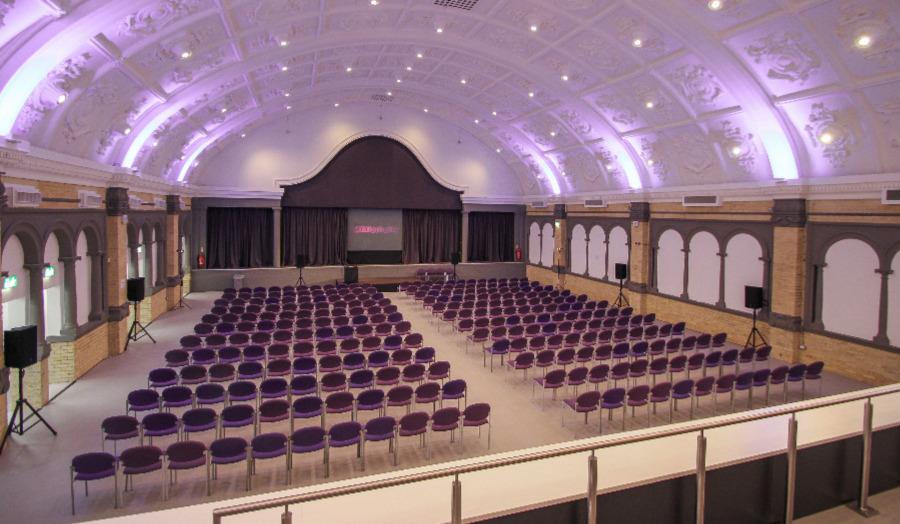
For businesses, we offer a range of business services to connect you with our students and support your work, as well as venue hire for events.
If you choose to study here, we can help you with accommodation, funding and career enhancing advice. Our support services are designed to ensure that you receive all the guidance you can during your time with us.
If you want to find out more about the University, you can also check out our latest London Met videos. If our website leaves any question unanswered, please don't hesitate to contact us.